FireDoor Suite is a fire door inspection app that maps onto the way your team already works.
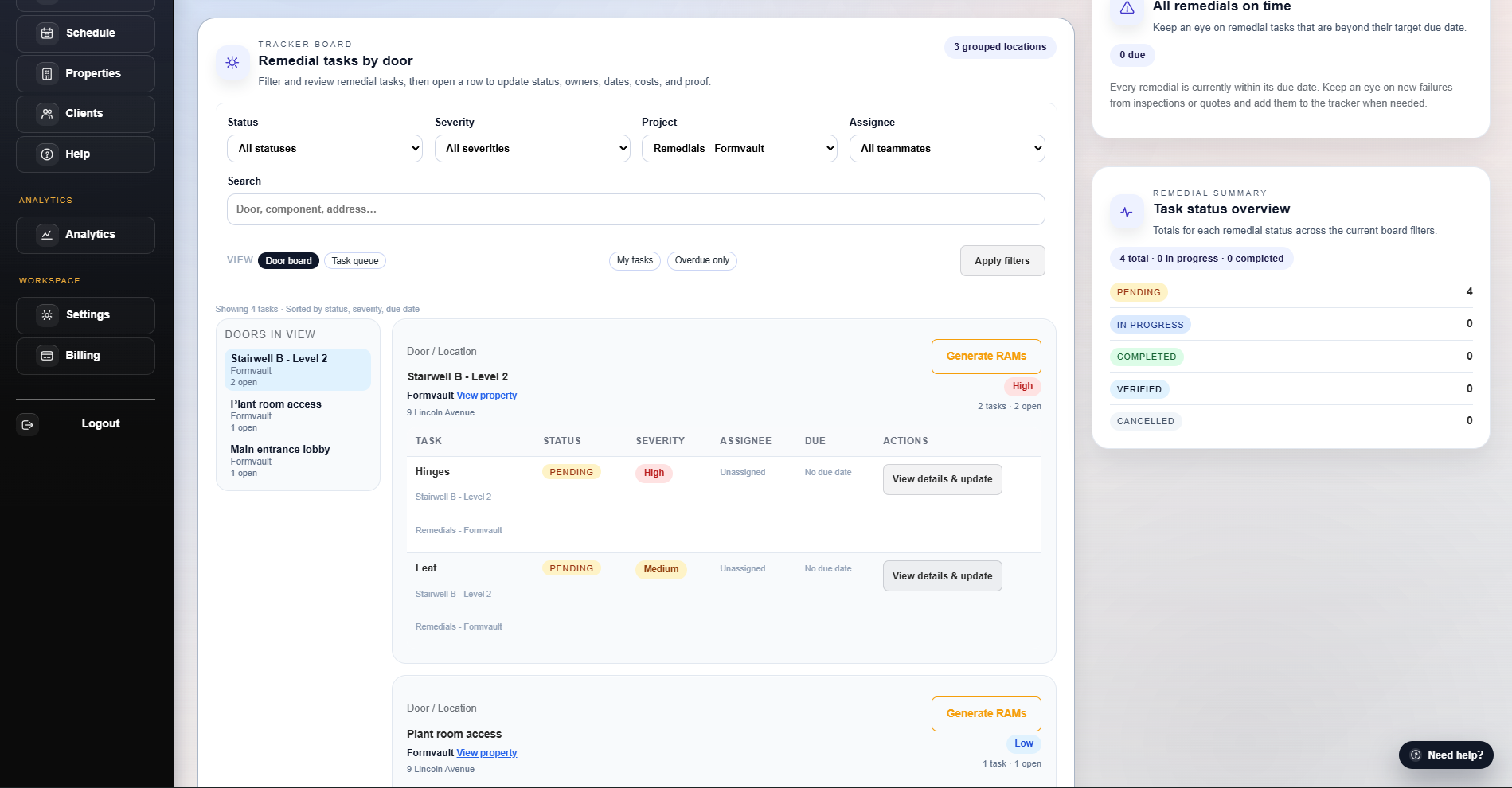
Start by quoting and scheduling an inspection, then let the platform carry everything through remedial quotes, RAMs, remedials, invoices, and client updates.
One joined‑up workflow from first enquiry to payment.
No re‑typing between inspections, quotes, remedials, and invoices.
Door‑by‑door audit trail ready for regulators and clients.
Pick one real building you plan to inspect this month and create a test inspection with a handful of sample doors.
Walk at least 10–20 openings, then review findings with your team to spot tweaks to your current process.
Why it matters: you keep a clear door‑by‑door record for BS 8214 / BS 9999 checks without rebuilding the story in spreadsheets.
Workflow 2 of 4
Workflow 2: From fails to quotes & RAMs
Turn completed inspections and remedial projects into clear commercial paperwork without rebuilding the story in spreadsheets.
Outcome: quotes and RAMs that match inspection evidence without spreadsheet rebuilds.
Step 1
Choose what you are pricing
Open the quotes area, pick a completed inspection or remedial project, and pull in the doors and tasks so you are not starting from a blank spreadsheet.
Filter by client, site, and inspection so only relevant doors and tasks appear in the quote builder.
Choose which remedial tasks to include so scope and pricing stay aligned.
Step 2
Shape the quote and RAMs
Adjust line items with your pricing presets and attach RAMs so the paperwork matches how the work will actually be delivered.
Use inspection‑linked pricing presets so common tasks are priced consistently.
Attach RAMs templates that match the type of work and site, not generic boilerplate.
Step 3
Share with the client
Send or download quote and RAM PDFs from one place, and keep statuses updated as clients review and approve.
Share quotes through the portal or by email with a single, consistent layout.
Track whether quotes are pending, accepted, or declined so the team knows what to schedule next.
Invite one trusted client contact into the portal on a test or low‑risk project and publish at least one report and invoice.
Send a test invoice with a Pay now link (or a low‑value live invoice) so you can see how Stripe payments flow end to end.
Why it matters: clients get faster answers and you keep a complete audit and revenue trail from inspection through to payment.
Workflows for different teams
FireDoor Suite adapts to contractors, housing providers, and FM teams without forcing a new way of working.
Contractors & installers
Move from survey to quote to remedial programme in one place, with site teams seeing exactly what needs doing.
Housing & landlords
Keep a clear trail of inspections, issues, and remedials by block so you can evidence compliance quickly.
FM & maintenance teams
Blend planned inspections with day‑to‑day remedials and prove what’s been completed across your portfolio.
Consultants & fire engineers
Capture detailed inspections and hand structured findings to contractors without losing detail in the handover.
Workflow questions teams often ask
Quick answers on how to use FireDoor Suite alongside your existing tools and where to start during a trial.
Do we have to use every workflow?
No. Many teams start with inspections and quotes first, then layer in remedials, the portal, and billing once the basics are working well.
Can we start with just inspections?
Yes. You can use FireDoor Suite just for inspections and reports to begin with, then switch on quoting, remedials, and portal access when the team is ready.
What if some work still runs in spreadsheets?
That’s fine. Many teams keep legacy jobs in spreadsheets while new work runs end‑to‑end in FireDoor Suite, then gradually move more of the workflow across.
What happens to our workflow after the trial?
Your data stays in place. If you continue, you keep working from the same inspections, quotes, remedials, and portal logins; if you stop, you can export key reports first.